A few months ago, I wrote about what happens to a URL before it goes live: how LinkGuard checks every short link against threat databases, blocklists, and spam patterns before it’s created.
That covers links. But Links on Link also hosts bio pages: full pages with text, links, images, product cards, embedded videos, and more. A malicious actor doesn’t need to create a suspicious link if they can build a convincing phishing page directly on the platform.
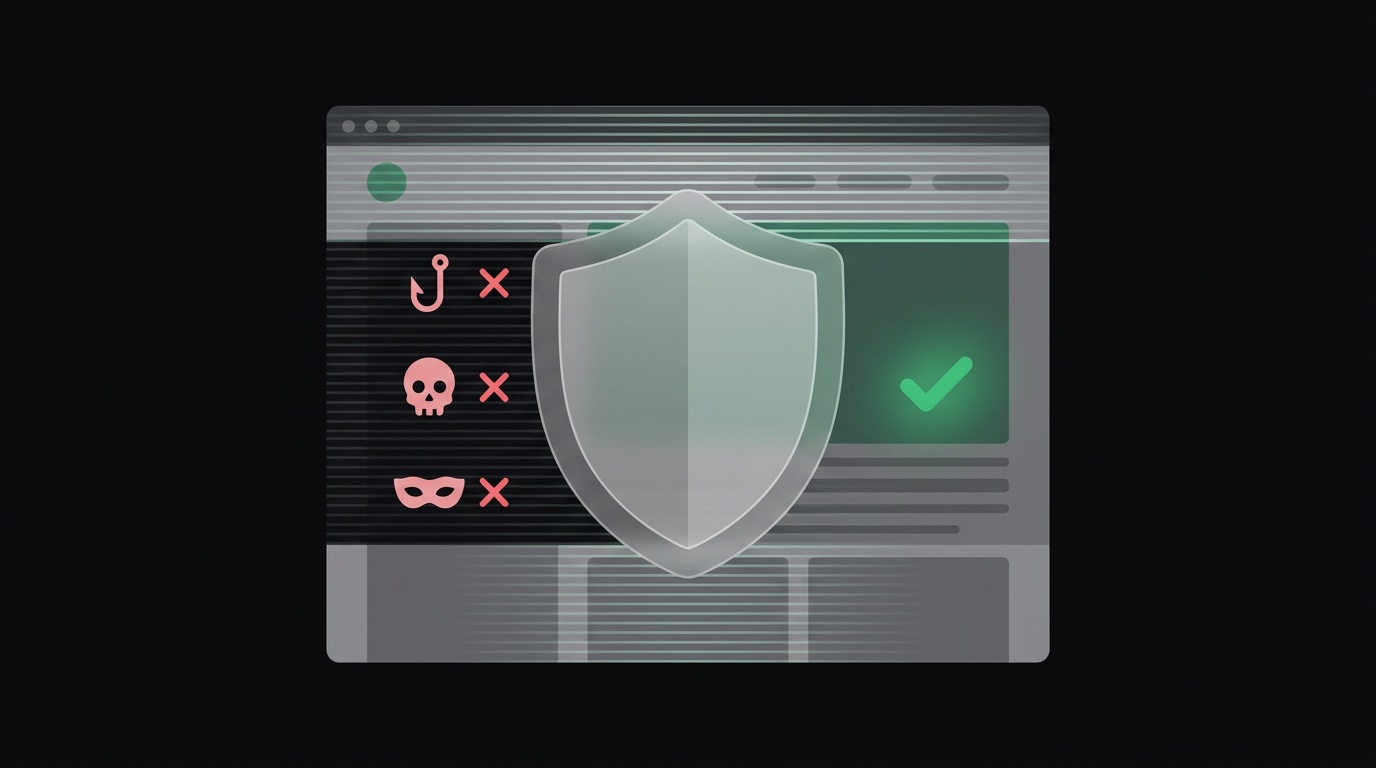
So we built a system that scans every page automatically, flags threats, and disables malicious content, without waiting for someone to report it.
Most platforms handle abusive content reactively. Someone sees a phishing page, reports it, a human reviews it, and eventually it gets taken down. That delay is the problem. A phishing page that stays live for 6 hours has already done its damage.
I didn’t want Links on Link to work that way. If someone builds a page impersonating a bank, or sets up a fake giveaway to harvest credentials, the system should catch it immediately, not after the third victim reports it.
Every page on Links on Link goes through a multi-layered scan. This happens in two contexts: the moment you save a page, and periodically in the background for pages that are already live.
When you save a page, every URL embedded in your page elements gets scanned against Google’s Web Risk API and our internal threat databases. This is the same LinkGuard system that checks short links, but applied to every link, social URL, video embed, and product link on the page.
If any URL comes back flagged for malware distribution, phishing, or social engineering, the page is automatically disabled and we log a detailed report.
URLs aren’t the only attack surface. A well-crafted phishing page might use perfectly clean URLs but present itself as a login page for a bank, or impersonate a brand to build trust before redirecting visitors.
So we run a second layer: AI-powered content analysis. The system reads the page name, text content, link labels, product descriptions, and element types, then classifies the content for abuse patterns.
It looks for:
Each scan returns a risk score from 0 to 100 and a category: safe, suspicious, or malicious.
A page can be clean when it’s first published and become malicious later, if a linked domain gets compromised, or if the page owner edits it after the initial scan. So we run periodic background rescans of all recently updated pages.
Every page that’s been modified in the last 7 days gets re-scanned on a schedule. This catches cases where a URL that was safe yesterday got flagged today. If the rescan finds something, the same policy engine kicks in.
The response depends on the severity.
Risk score 80–100 (high confidence malicious): The page is disabled immediately. The owner gets notified. An abuse report is created with the specific reasons: which URLs were flagged, what patterns were detected, why the AI classified it as malicious.
Risk score 50–79 (suspicious): A report is created and the page is flagged for review. If the same page gets flagged a second time, whether from a subsequent save, a background rescan, or a community report, it is automatically disabled. The threshold is deliberately conservative: one flag means “watch this,” two flags means “take it down.”
Risk score below 50: No action. Most pages are legitimate creators sharing their content. The system is tuned to have a low false-positive rate.
Visitors can report a page directly. When a page receives reports from 3 unique IP addresses, it’s automatically disabled regardless of its AI risk score. Reports from the same IP don’t stack: this prevents a single person from weaponizing the report system.
When a page is auto-disabled by community reports, the owner is notified and an admin review is triggered.
If your page gets disabled, you get a notification explaining why. It’s not a vague “your page has been removed”: you get the specific reason: which URLs were flagged, or what content patterns triggered the review.
If your page was incorrectly flagged, the admin review process is there to catch it. False positives do happen, especially with new or niche content. Legitimate pages get re-enabled.
If you’re selling digital products on your bio page, your customers need to know the platform is safe. If you’re a brand linking to your pages from social media, your audience needs to trust what they’ll find when they click.
The goal is straightforward: Links on Link should be the safest platform for everything links. Not merely “safe enough,” but actually safe. Every page scanned, every threat caught, every malicious page disabled before it reaches your audience.
That’s what LinkGuard does. Not just for your links: for every page on the platform.
Your discount will be automatically applied when you purchase a paid plan.
View plans