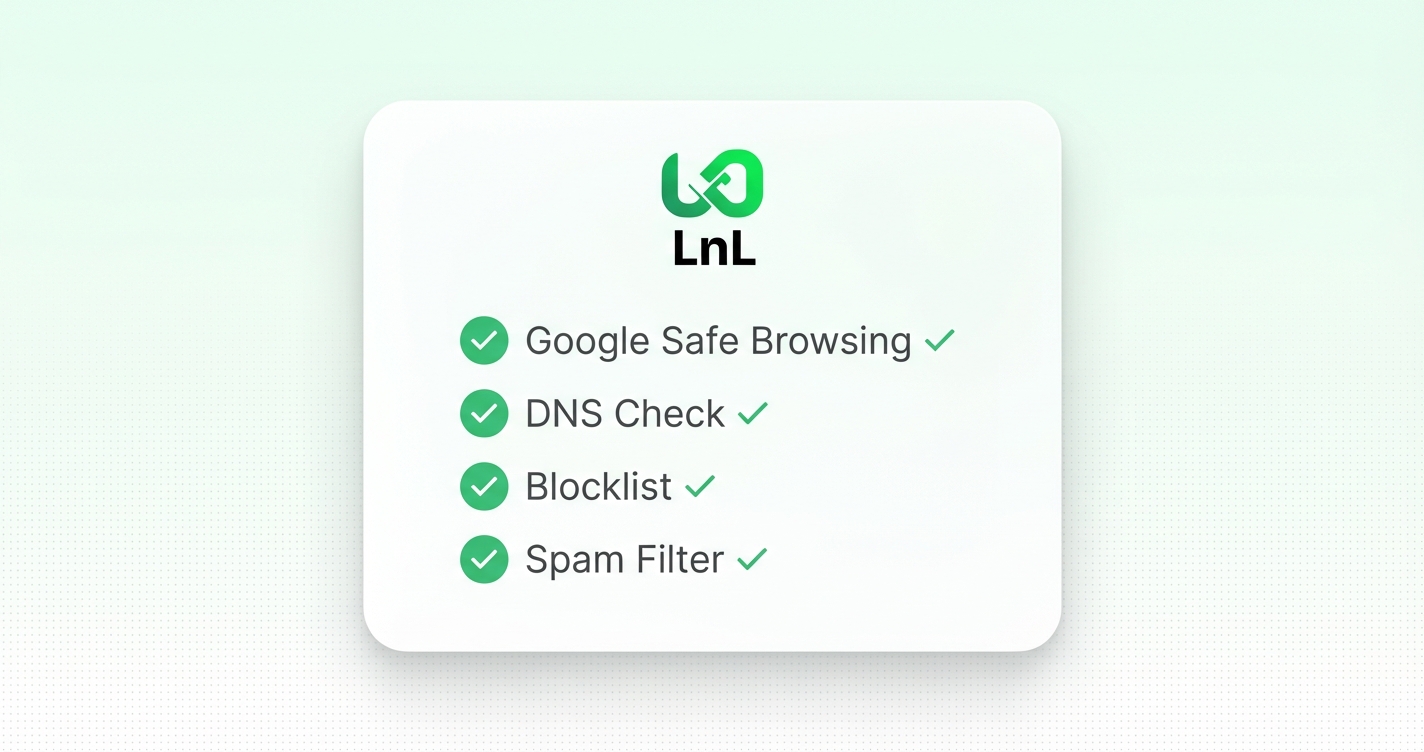
Every time you create a short link on Links on Link, the destination URL goes through a set of checks before we save it. We call this LinkGuard. It runs automatically, it happens before the link is live, and if something fails the check, the link doesn’t get created.
I want to explain what it actually checks, because “URL safety” is one of those terms that sounds important but rarely gets explained in any useful way.
If you’re a creator, educator, or small business sharing links, your audience has learned to trust what you send them. When you post a link in your bio, or send one in an email, or print one on a flyer, there’s an implicit promise attached to it: this is safe, this is where I said it would go.
Most link shorteners don’t validate this at all. They take the URL, shorten it, and call it done. That means nothing stops someone from creating a short link to a phishing site, a malware download, or a page that’s simply dead. Your brand gets associated with whatever the link resolves to.
We run the destination URL through Google’s Web Risk API. This is the same data that powers Safe Browsing warnings in Chrome: the database of known phishing, malware, and social engineering URLs. If a URL is flagged there, the link creation is blocked immediately.
We maintain a blocklist of domains with known issues: spam networks, known phishing infrastructure, link farms. This catches things that might not be in Google’s database yet.
We check the URL itself for patterns commonly associated with spam: suspicious subdomains, URL structures that are used to obfuscate destinations, parameter patterns used in redirect abuse.
The link has to actually resolve to something real. We do a DNS lookup and a basic reachability check. This catches typos in the URL, domains that have expired, and one of the nastier tricks in the book: DNS rebinding, where a domain appears to resolve to a legitimate IP but is actually pointing at internal network infrastructure.
If the URL resolves to a private or reserved IP address (like a local network range), it gets blocked. This prevents using short links as a way to probe internal systems.
The link doesn’t get created, and you get a clear error message explaining why. It’s not a vague “something went wrong”. It tells you what specifically failed.
If you’ve ever tried to shorten a legitimate URL and had it rejected, there are a few common reasons: the domain is new and looks unusual, the URL has parameter patterns that match spam signatures, or the page wasn’t reachable at the time of the check. In those cases, the solution is usually to wait and try again, or to reach out so we can look at it.
If you use the optional preview banner (the checkpoint page that shows before redirect), your audience will see a summary of these checks on the page: a small grid showing that the link passed malware, phishing, and redirect checks. That’s not marketing copy. It’s the actual result of these checks displayed to your audience so they can see the link was validated before it was published.
LinkGuard isn’t a guarantee that every destination is good content. It checks for known threats, not for quality, relevance, or whether the page is what you think it is. A clean URL is a URL that passed safety checks, not a URL someone has personally reviewed.
But it catches the problems it covers, including phishing, malware, dead links, and suspicious redirects, before your audience ever sees the link. That’s the point.
Your discount will be automatically applied when you purchase a paid plan.
View plans