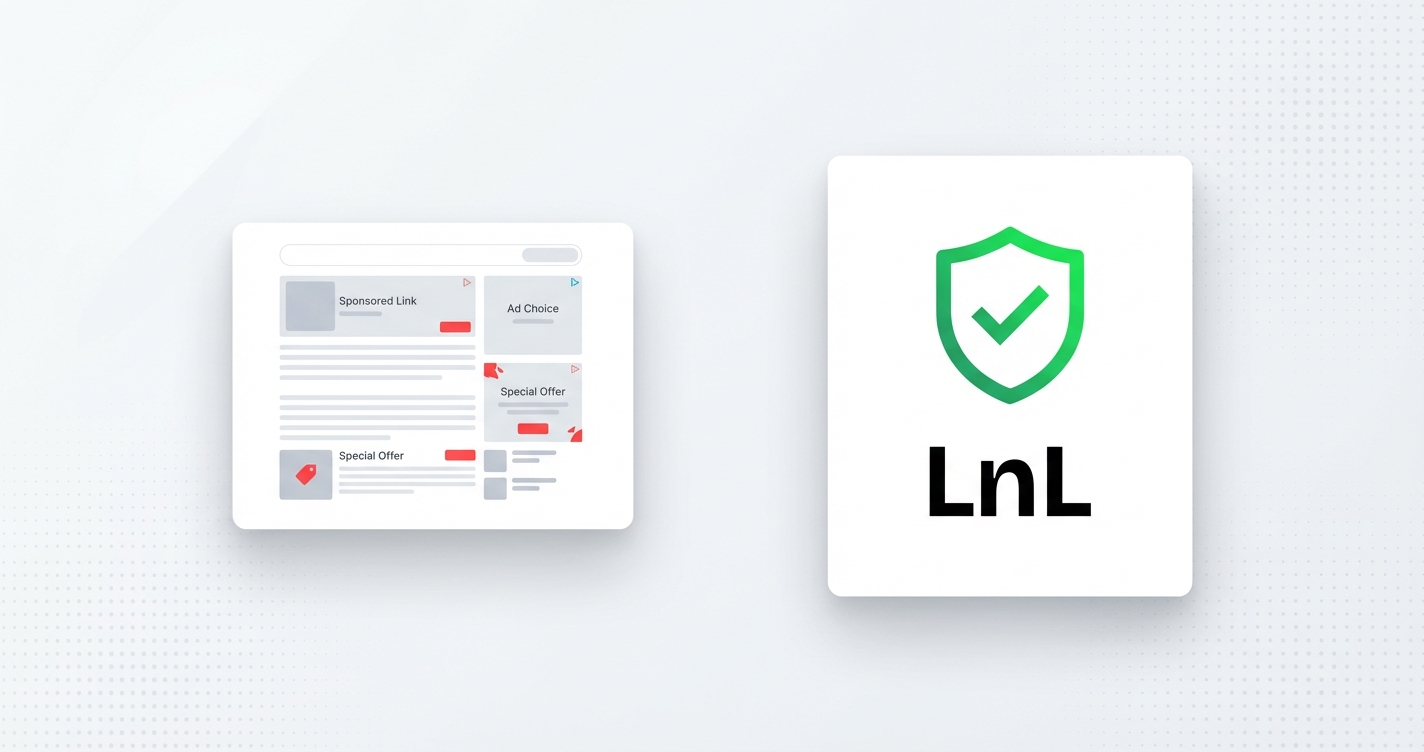
In February 2025, Bitly announced it would start showing ads on links created by free-tier users. Before someone reaches the page you linked to, they see an ad. They didn’t ask for it. You didn’t choose it. It just happens, because Bitly needed a revenue model and your audience is the product.
I’ve seen this before in other tools. It usually starts as “a small change to the free plan” and becomes the new normal. And I think it’s worth being direct about why we made different choices when building Links on Link.
When someone clicks a shortened link, there are two ways the tool can handle it:
The second option isn’t inherently bad. It becomes a problem when the content of that page is decided by the link platform, not by you. When Bitly shows an ad before your link resolves, your audience is interrupted by something you didn’t choose and can’t control. It also slows down the experience in a way that erodes trust: visitors start to wonder if something’s off.
By default, every link on LnL redirects immediately. You click, you land. No interstitial, no delay, no mystery.
But we do offer a preview feature, and I want to explain the difference, because it’s significant.
If you enable the preview banner on a link, your visitors will see a checkpoint page before they’re redirected. Here’s what it shows:
That last point is important. The timer is configured by you: anywhere from 0 to 10 seconds. At 0, the page flashes briefly and redirects immediately. At 5, the person has a few seconds to read where they’re going before they land there.
What it never shows: ads. Not ours, not anyone else’s. The preview page exists purely so your audience can see where they’re headed.
The short answer: some audiences are more cautious than others, and for good reason.
If you’re an educator sharing links to resources, a creator running an affiliate campaign, or anyone whose audience has been trained to be suspicious of shortened URLs, a preview page can actually increase clicks, because people can verify the destination before committing. It’s a trust tool, not a delay.
That said, it’s completely optional. Most people will never need it. The default is direct redirect, and that’s intentional.
There’s a version of this business where we’d monetise free links with ads and push you toward paid plans. We don’t have a free plan for exactly this reason, not to be exclusive, but because we’d rather be honest about what things cost than pretend they’re free while quietly selling your audience’s attention.
Links on Link costs $6/month. That’s the deal. Your links redirect how you configure them, to where you set them, with no surprises.
If you want to try the preview banner, you’ll find it in the link edit form under the Preview section. It’s on paid plans, takes about 30 seconds to configure, and your visitors will never see an ad from us.
Your discount will be automatically applied when you purchase a paid plan.
View plans