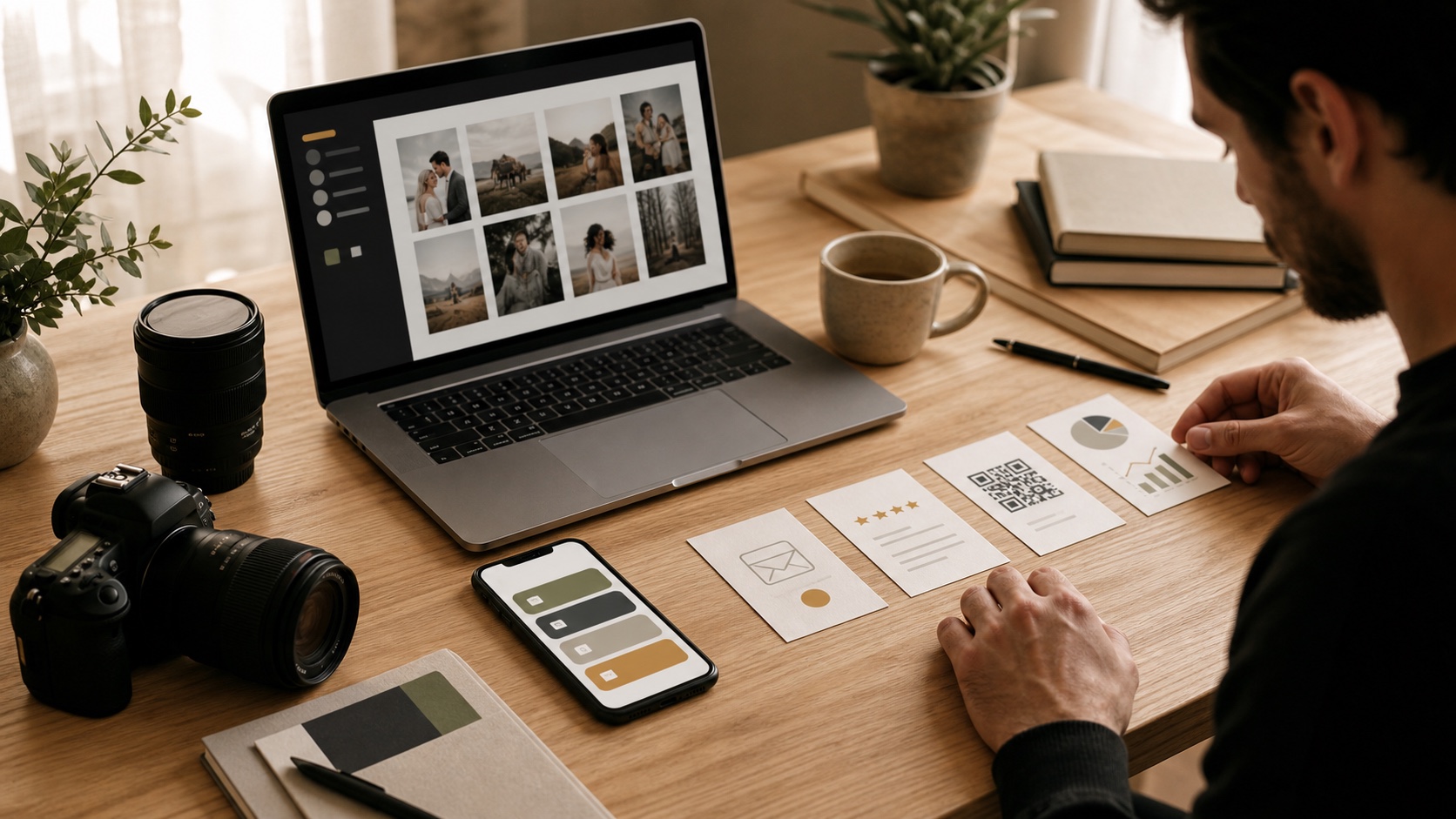
Most photographers do not have a traffic problem in the usual sense. People already find them through Instagram, referrals, venue tags, vendor lists, search, or a QR code on a card.
The problem is what happens next.
A potential client opens the profile link and sees a portfolio, an old mini-session announcement, a gallery login, three social profiles, and a contact form. The photographer knows what every link means. A stranger deciding whether to book does not.
Your bio page should not be an archive of everywhere you exist. It should help the right person take the next sensible step.
Someone who taps a photographer’s bio usually wants to answer one of four questions:
Build around those questions. Everything else is secondary.
For a family photographer, the first button might be Book a fall family session. For a wedding photographer, it might be View wedding collections. For a commercial photographer, Request a project estimate is clearer than Work with me.
That first call to action should change with the business. It does not have to remain the same all year.
There is no perfect template, but this order works well for most client-service photographers.
Use your name or studio name, location, and specialty in plain language:
Documentary wedding and family photographer in Calgary and the Rockies.
That sentence does more work than “capturing authentic moments.” It tells visitors whether they are in the right place.
Add one recognizable photograph of yourself or your work. A visitor who just left Instagram should feel continuity, not wonder whether they opened the wrong page.
Give the most important offer the strongest position and clearest label. Good examples include:
Avoid stacking three buttons that all look primary. If everything is urgent, nothing is.
Do not make someone choose among eight galleries before they understand your work. Link to the portfolio that best matches the traffic source, then offer a broader portfolio below it.
If a venue tags you in a wedding post, for example, a campaign link can send that traffic to a page where weddings come first. People from a family-session QR card can see family work first. The destination can still be the same website; the route is simply more considerate.
You do not need to publish every package. A short services page with starting prices, typical coverage, and the next step can screen out poor-fit inquiries while giving serious clients enough confidence to continue.
If pricing varies widely, explain what changes it. “Commercial projects are quoted by scope, usage, and production needs” is more useful than “contact for pricing.”
Use the right action for the service:
Test the whole path on a phone. Fill out the form. Confirm the success message appears. Check that the notification reaches the correct inbox. A beautiful button leading to a broken form is worse than no button at all.
After the main conversion path, add the things that help a hesitant visitor:
Put gallery delivery and existing-client access lower on the page unless most profile visitors are returning clients. Your gallery platform still has an important job. It just does not need to lead the sales journey.
A bio page is not a replacement for every part of a photography business.
Keep your gallery platform if it handles proofing, high-resolution delivery, print sales, contracts, or client privacy well. Keep a booking system when it manages availability, deposits, questionnaires, and reminders. Keep your main website when it carries the portfolio and search content your business depends on.
The bio page is the front desk. Its job is to direct people cleanly, not to pretend it is the entire studio.
If the current stack feels crowded, use our creator tool stack audit before cancelling anything. It is much cheaper to remove a duplicate deliberately than to discover after a launch that it held the only copy of a workflow or customer list.
“Scan me” is not much of a reason to take out a phone. Match each QR code to a useful next step:
Use a different trackable link for each placement. That way, you can tell whether the wedding show, coffee-shop display, or vendor partnership generated visits and inquiries.
Do not print the final batch until you have tested the code on more than one phone, from the distance and lighting in which people will actually scan it.
Profile views and Instagram likes can tell you that people noticed the work. They do not tell you whether the page helped anyone become a client.
For each campaign, watch a short sequence:
The useful question is not “Which button got the most clicks?” It is “Which route brought the right people closer to a paid session?”
If 200 people open a mini-session page and nobody starts booking, the offer, timing, price, or booking experience may need work. Rearranging social icons will not solve it. Our guide to link-in-bio analytics explains the measurements worth keeping.
“Let’s make magic” sounds warm but hides the destination. View family sessions or Ask about your date is easier to act on.
A full website is valuable, but a generic home page can restart the search. Link directly to the service or offer named in the post that earned the click.
An old booking deadline makes the business look unattended. Set a reminder to remove or replace seasonal links.
You may have good reasons not to publish full rates. Give visitors enough context to know whether an inquiry makes sense.
Your priorities change with seasons, availability, and the work you want more of. Review the page at least monthly and before every campaign.
If you already have a bio page, you can improve it without rebuilding the business:
That is enough to turn a link list into a small, useful booking system.
Links on Link combines creator pages, branded links, QR codes, and analytics in one place. It will not replace your gallery or photography CRM, and it should not. If switching feels risky, start with Pro, and we will personally help recreate your current page so you can test it before changing the link in your profile.
Your discount will be automatically applied when you purchase a paid plan.
View plans